
 Products
Lucky Picker
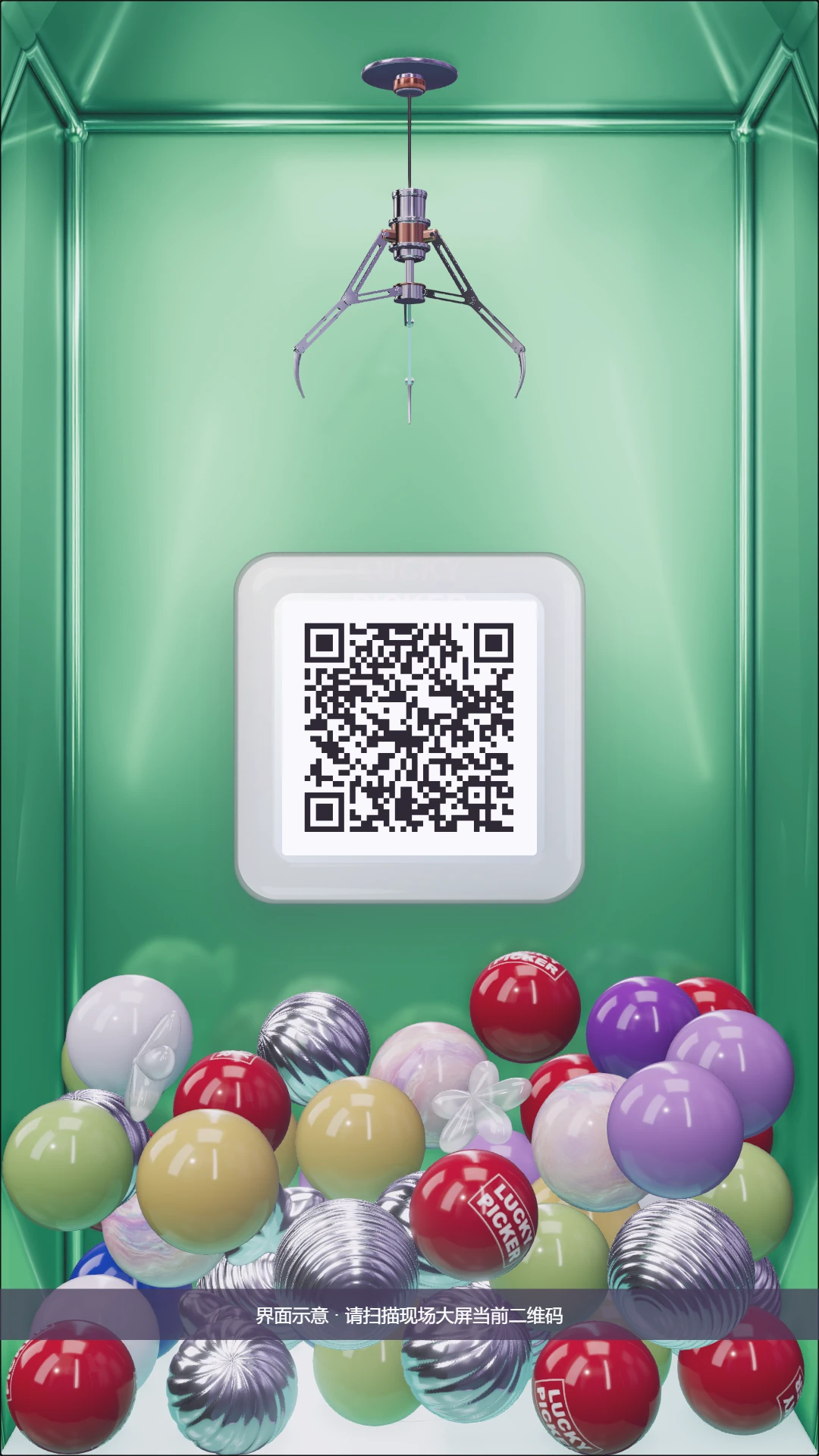
Guests grab a mystery ball on a portrait screen by hand gesture or phone, and win from the prizes and quantities you set.
- Licence
- ¥5,999≈ $840/ terminal
- Payment
- Once, no annual fee
- Hardware
- Not included
How it differs
Why pick it
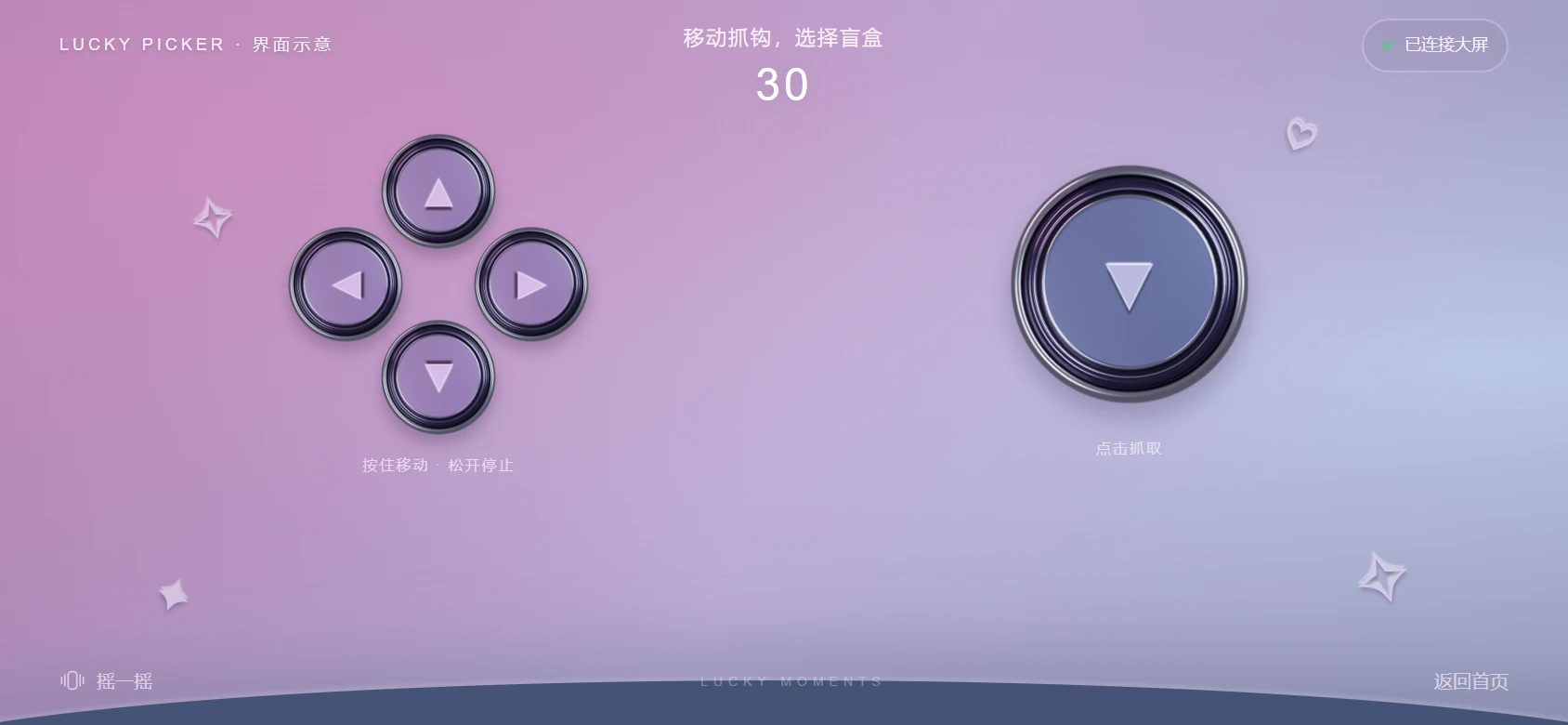
- Two ways to play: open a hand to move and make a fist to grab in front of a Leap 2 controller, or scan the screen and hold a phone sideways as a controller.
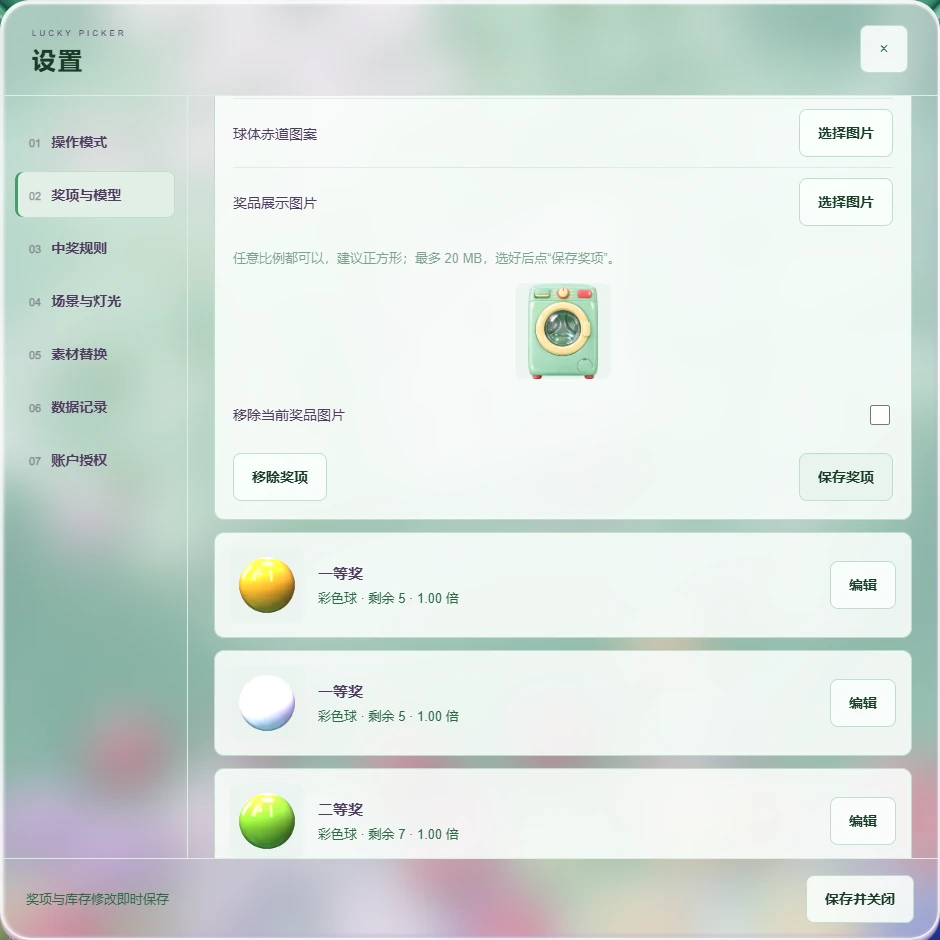
- Prizes run on stock: each prize has its own quantity and image, empty prizes are allowed, and restocking mid-event is just a number change.
- Make it yours: swap the home screen, prize images, cabinet logo and ball logo for each event, and upload your own prize models.
- Records kept: grabs, wins and empty draws are logged on the PC, and the winner list exports as a spreadsheet.
Compared with
- vsHolographic booth
The holographic booth software makes an AI group photo that guests take home, with credits charged per generation. Lucky Picker is a hands-on prize game that manages prizes, stock and winners. Hand out photos with the booth; hand out prizes with Lucky Picker.
- vsPhoto wall
The photo wall spreads event photos and videos across several screens. Lucky Picker is a game on one portrait screen, with prizes, stock and winner records.
Not for, or watch out
- Odds-based draws: there is no win-probability setting; the result is whatever the guest actually grabs.
- Redemption tracking or totals across units: records stay on one PC with prize name and time only, so they are not a redemption record.
- Gesture mode needs a fixed install: if the controller moves relative to the screen, recalibrate.
Where it fits
- Prize draws at brand events, with the home screen, prize images and logos in the brand's artwork.
- Giving away a limited stock of physical prizes: each prize runs until its quantity is used up.
- Events run in sessions: export the winners after each one, then start a new round with quantities reset.
- Stands that want gesture play: guests just open a hand and make a fist in front of the controller.
- Venues without a gesture sensor: use phone mode and play with the phone as a controller.
How it runs on site
- Install
Install the delivered software; for gesture mode, connect the Leap 2 and install its driver. Phone mode needs neither.
- Licence and mode
Sign in to licence the PC, choose gesture or phone mode, and set the grab speed and auto-return time.
- Calibrate
In gesture mode, calibrate once for the actual mounting and stance; there is no need to redo it unless the setup moves.
- Prizes and branding
Give each prize a quantity and image, add empty prizes if you want them, and swap in the event artwork and logos.
- Test a round
Play a full round, check the prize images, stock and records, then set the quantities back for the real event.
- Play and hand out
The screen shows what each guest grabbed, and staff hand out the matching prize.
- Wrap up
Export the winners, then archive and start a new round.
What you need
| Software | The Lucky Picker installer and the gesture driver. | Included |
|---|---|---|
| PC | A Windows PC. The help centre lists no separate spec for this product, so confirm it with us before ordering. | Not included |
| Portrait screen | The game is designed for a 9:16 portrait screen; size and model are confirmed in the quote. | Not included |
| Gesture controller | Gesture mode uses an Ultraleap Leap 2, mounted face-up on a table or face-down on top of the screen. Phone mode does not need it. | Not included |
| Phone and network | Phone mode needs the PC and guests' phones on the same local network. | Not included |
| Prizes | You provide them. The software only manages prizes, quantities and prize images. | Not included |
| Artwork | The home screen is 2160×3840 and prize images ideally 1024×1024; the help centre has the official artwork pack and editable templates. | Not included |
What guests get
On-screen result
A win shows the prize and its image, an empty prize shows a try-again screen, then it counts down back to the home screen.
Physical prize
Handed out on the spot to match the screen. The winner log is not a redemption record, so log handovers separately.
Winner log (for you)
Grab, win and empty-draw counts; the winner list exports as a spreadsheet with prize name and grab time.
Costs
| Software licence | ¥5,999≈ $840 | Per terminal, perpetual, no annual fee; hardware excluded. |
|---|
- The PC, portrait screen, Leap 2 controller and prizes are not included; the device allowance and services follow the quote.
No item in the credits table applies to this product.
Every feature
- Gesture and phone control modes
- Configure prizes, prize images and stock quantities
- Replace branded UI assets and adjust booth colours, lighting and the home-screen cloth
- Review grab records and export prize results as CSV