 Products
Holographic Booth
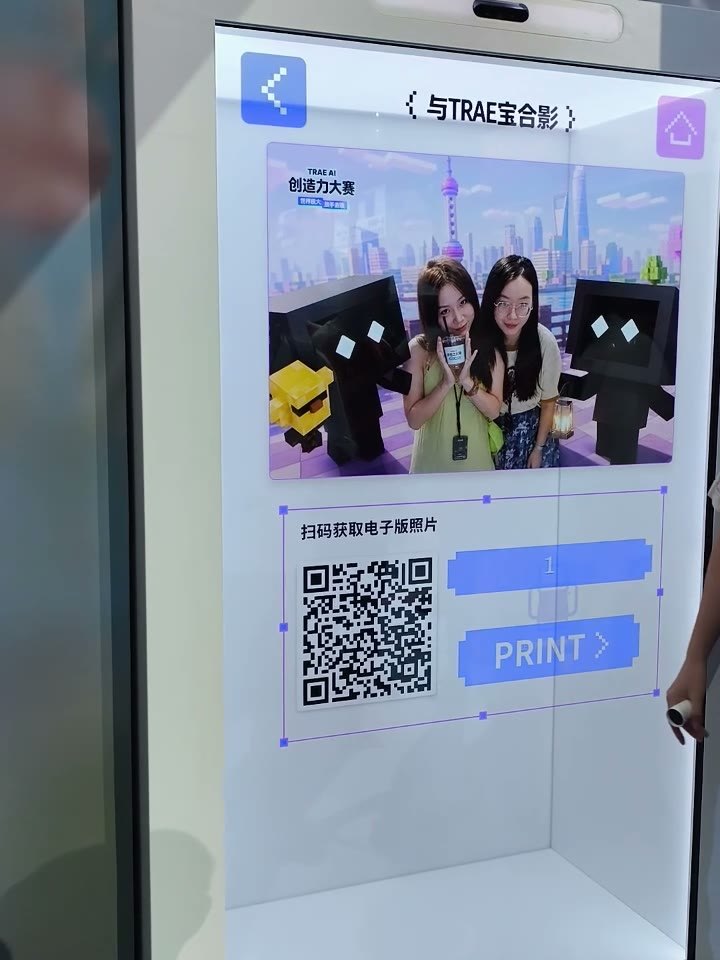
Guests pick a virtual character, watch it walk on, and a countdown takes the shot. AI builds the group photo to scan or print on the spot. Character clips, backgrounds and layouts are managed in the PepeFoto platform and reach the booth on its next sync.
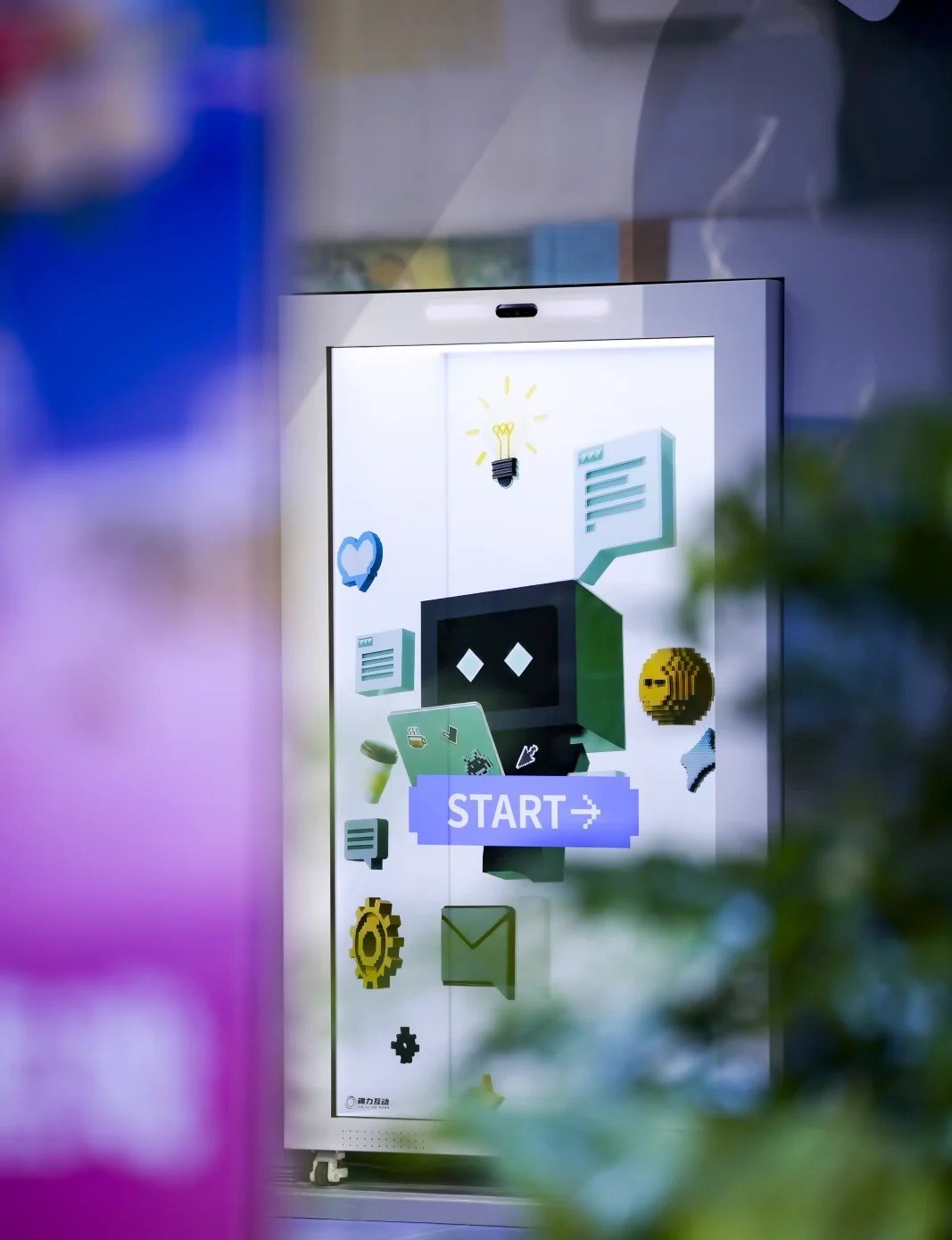
On site · TRAE AI Creativity Contest (Shanghai, August 2026)
The booth in 74 seconds
On site, on the booth and in the PepeFoto platform, in one pass.
Event footage is real. UI data and the AI photo are demo content; the walk-on and AI waiting screens are shortened.
Five steps to a hologram photo
Five screens that guests can run on their own.
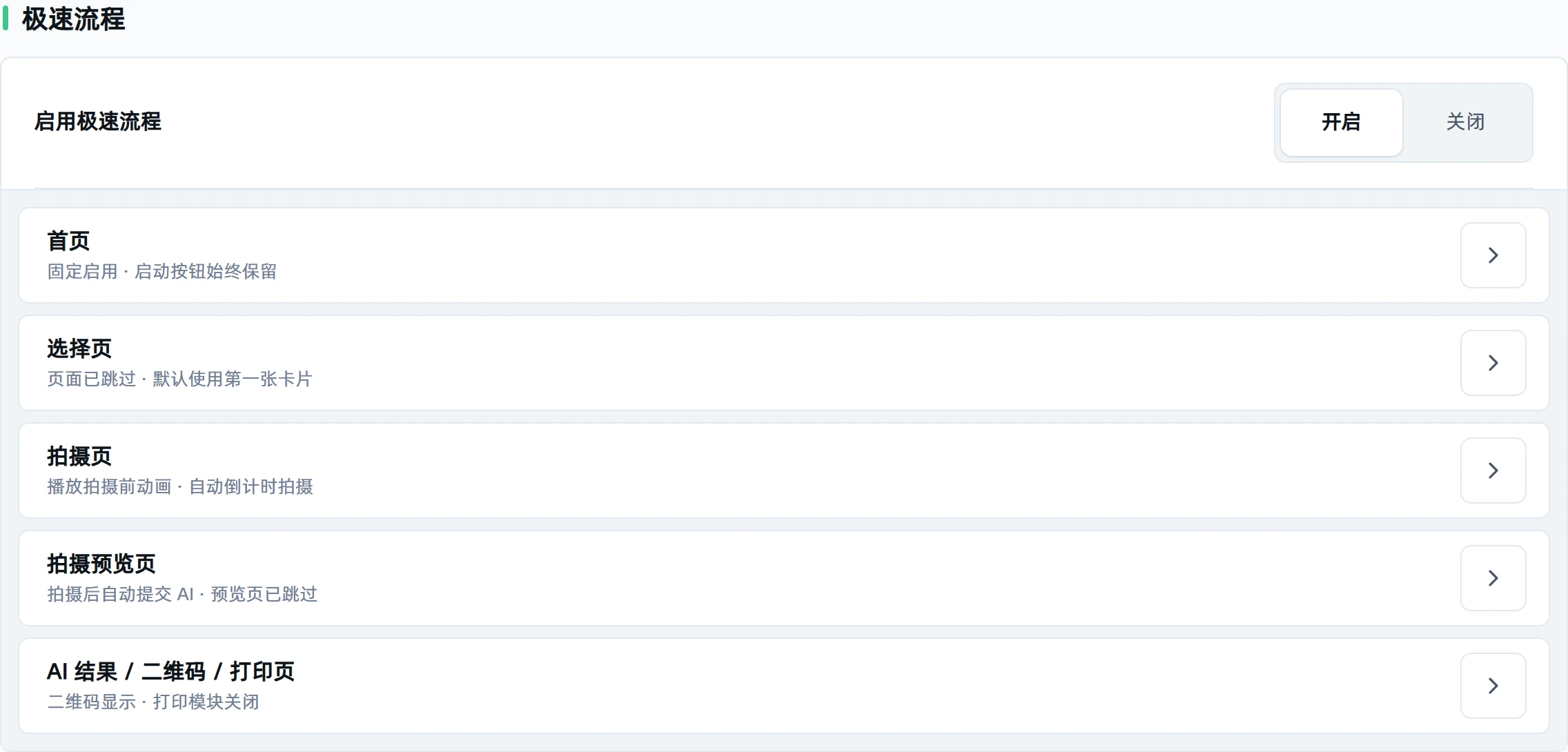
Busy venue? Express flow can skip the selection screen, start the countdown automatically and send each shot straight to AI.
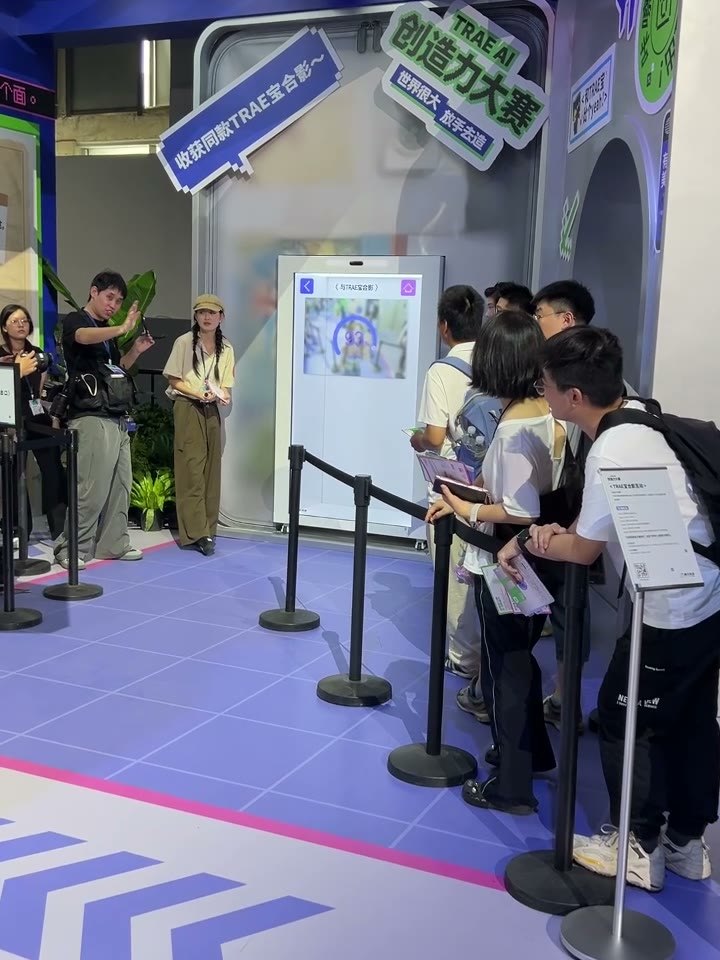
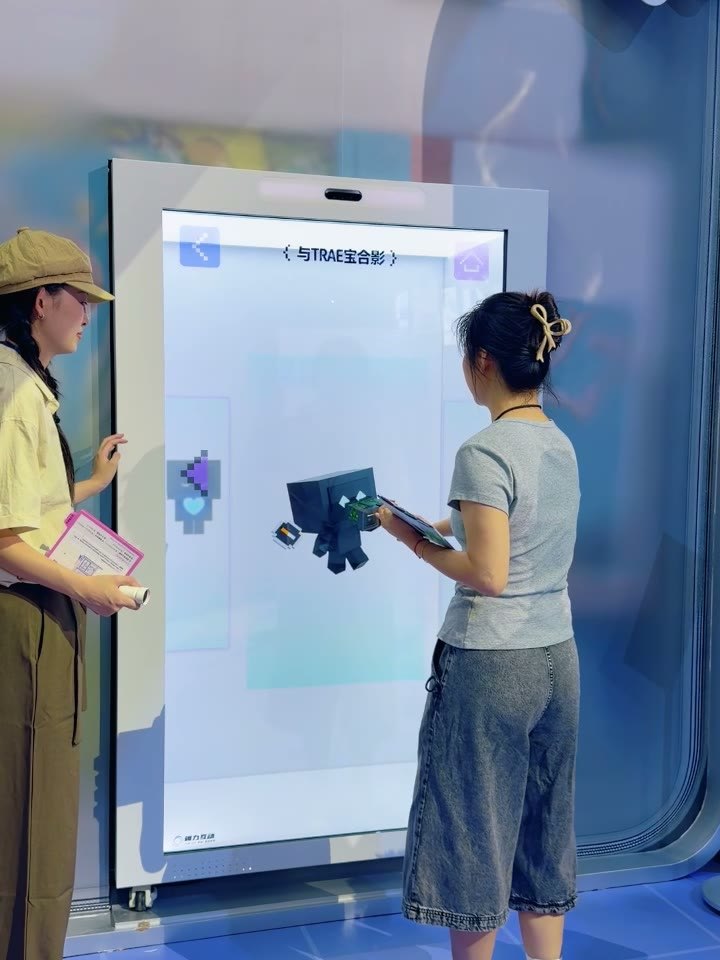
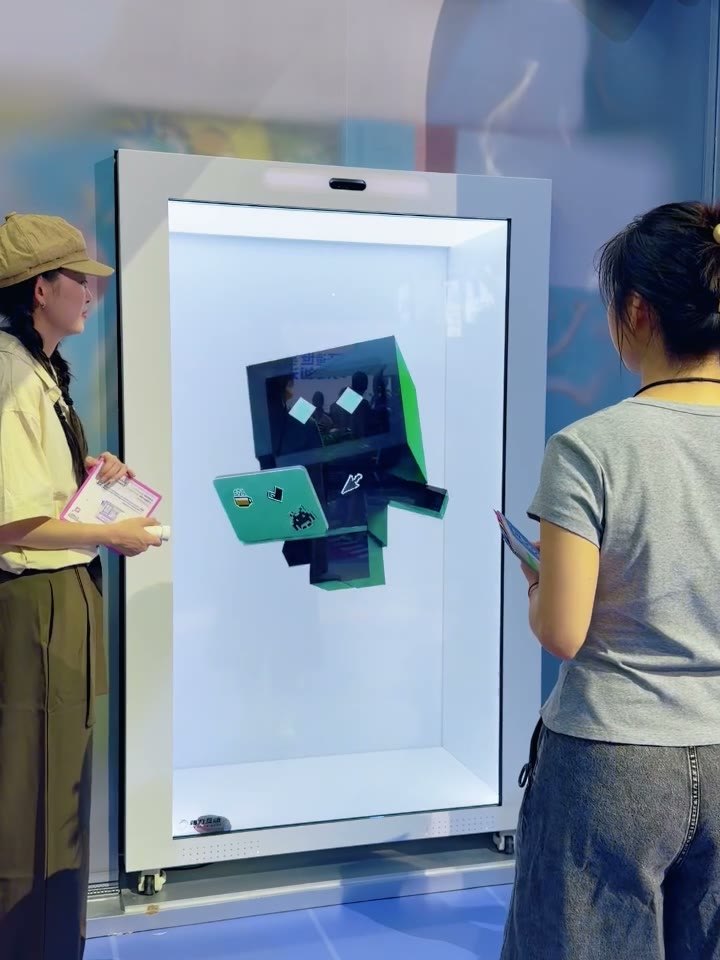
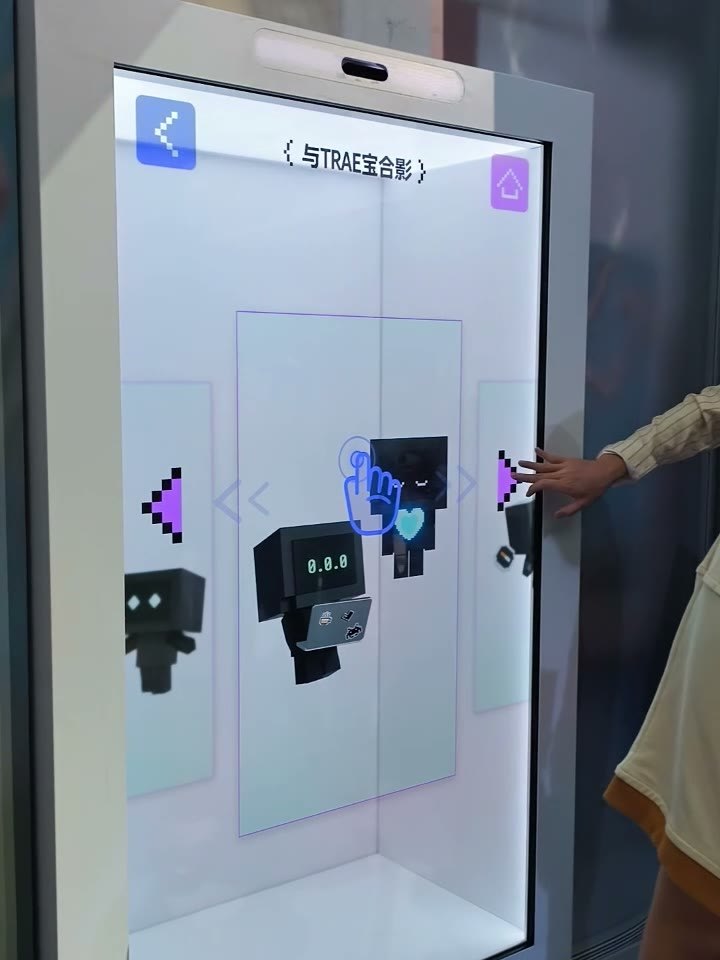
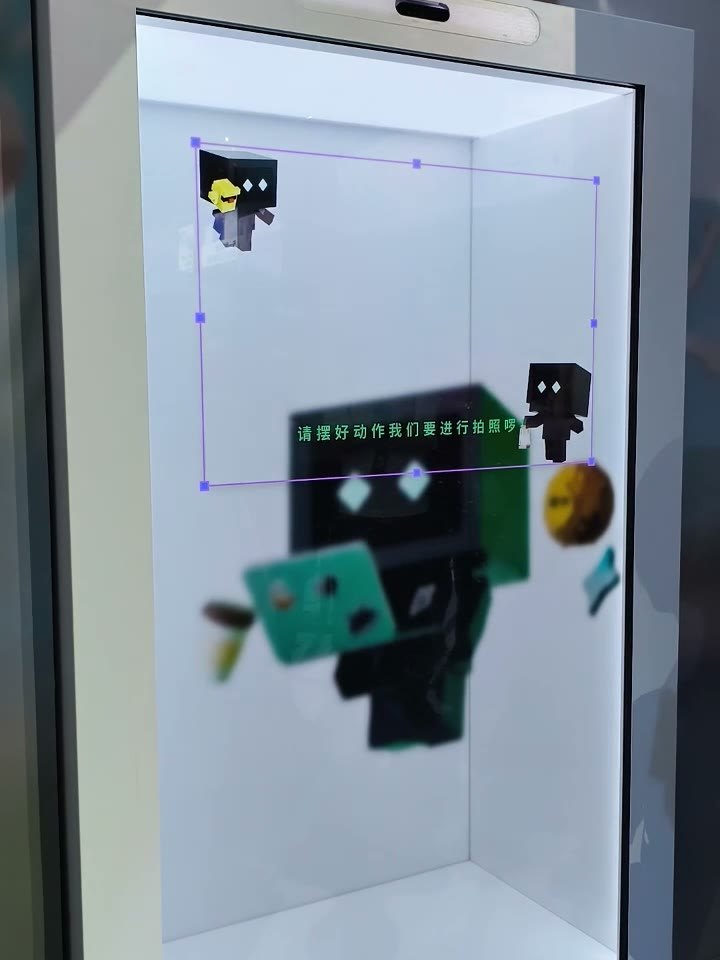
What it looks like on site
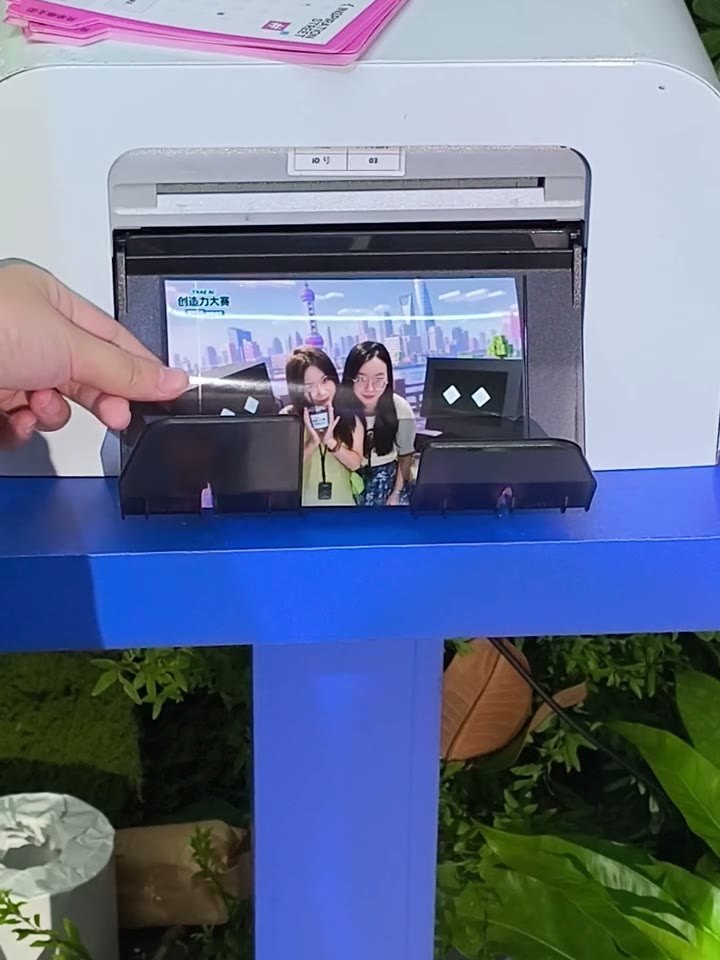
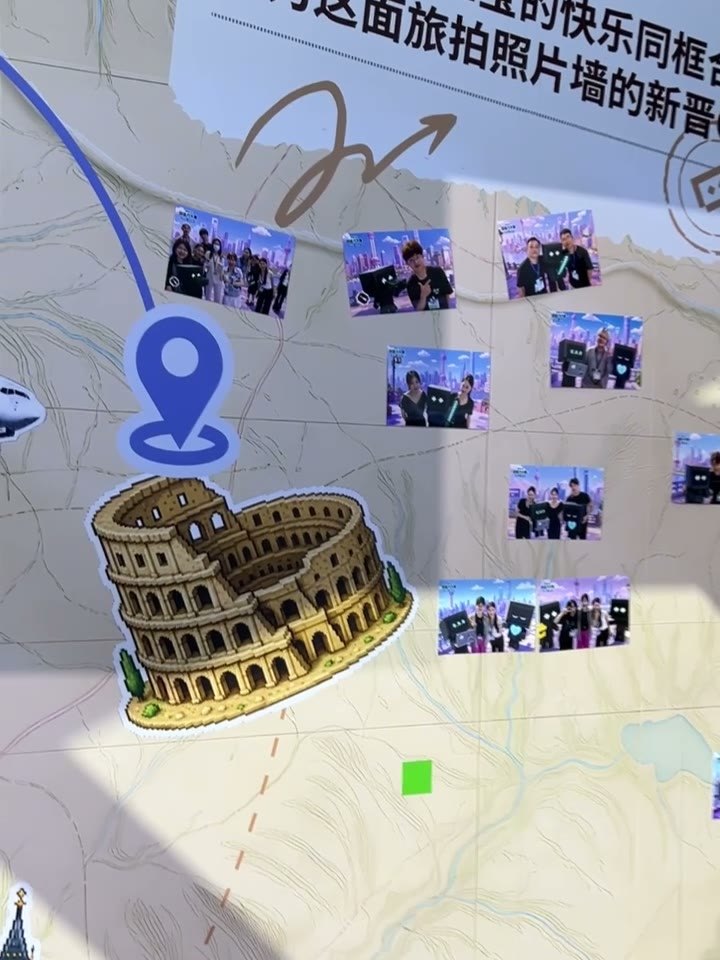
All from a real event: the TRAE AI Creativity Contest (Shanghai, August 2026). Trae Bao on screen was made for that event. Click to enlarge.
Change content in the back office
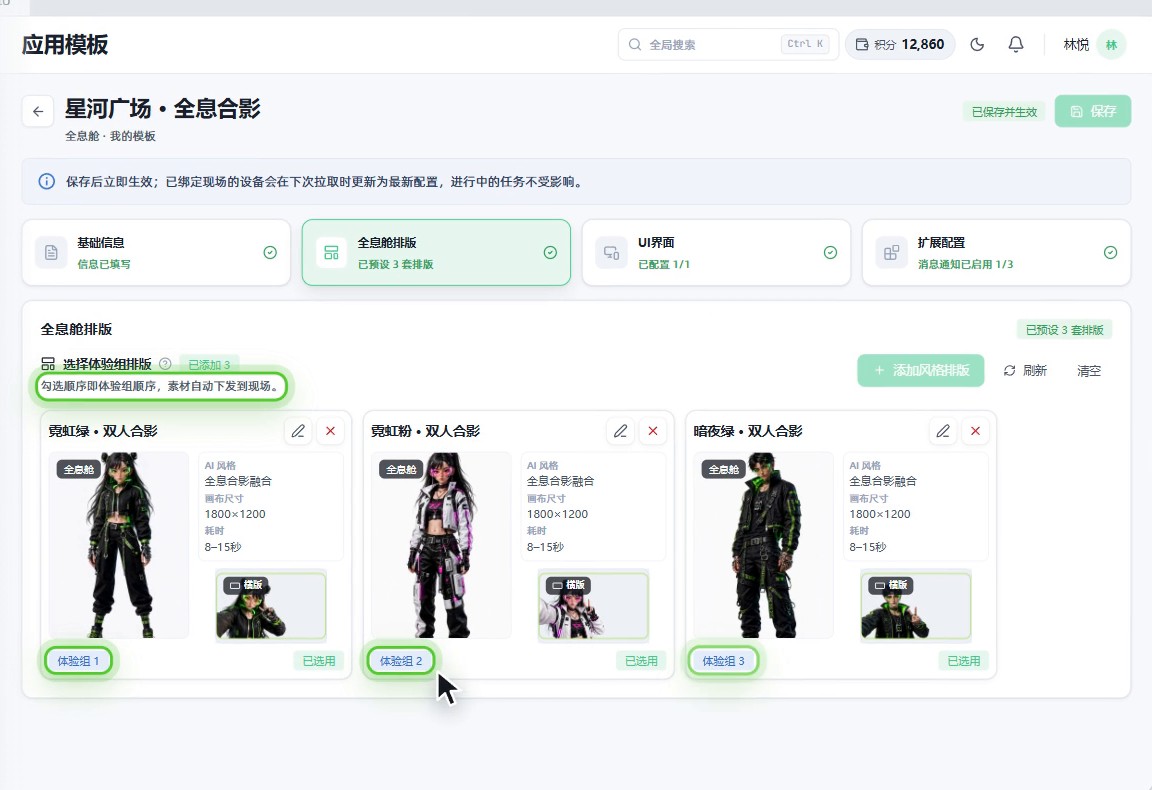
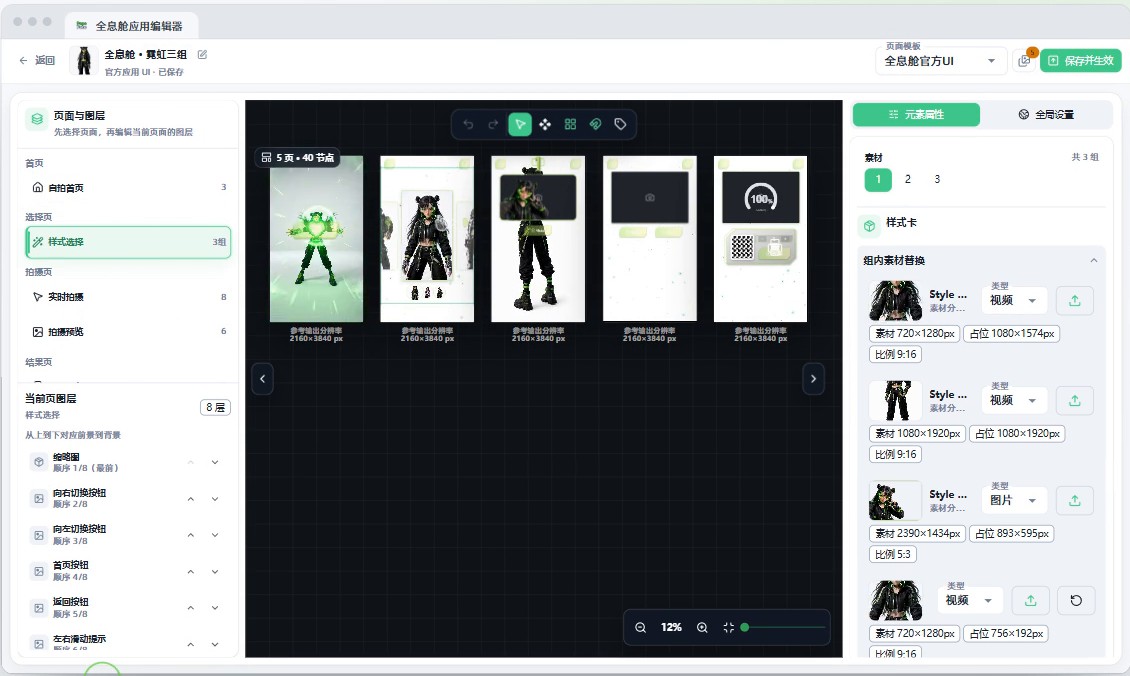
Each character is a set of content plus a layout. In the PepeFoto platform you pick layouts in the app template (the order you tick them is the order of the sets), then swap character clips, backgrounds and frames in the holographic booth editor and hit Save. Booths on that template pick up the new content on their next sync.
Software licence
The holographic booth software is a perpetual per-terminal licence with no annual fee, hardware not included; after that only AI credits (by usage) and the album service (yearly) are billed. The booth, custom characters and on-site operation are quoted per project; the formal quote governs.
How it differs
Why pick it
- The character walks on before the shot: each card is a set of character clip, background and frame.
- Fast enough for queues: express flow comes in several set-ups, from fully automatic after Start to tapping the shutter yourself and going straight to AI.
- New event, same booth: content is changed and published in the PepeFoto platform, and the booth picks it up at its next idle sync.
- Landscape or portrait photos: each photo orientation has its own five-screen set, so choose the one your event needs.
Compared with
- vsPro
Both take a photo and produce an AI image. The holographic booth software adds the booth experience: guests pick a character card and pose once it has walked on. Pro adds AI video, custom style training and AR holographic photos; the last is a Pro feature, not the holographic booth software.
Not for, or watch out
- Venues without internet: AI photos and online QR codes need a connection, and a local original shown offline is not an AI result.
- Editing content at the booth: the platform admin sets it up and publishes it, and the booth only syncs, while idle.
- Expecting artwork text to translate: the language setting changes the interface only, not text inside your artwork.
Where it fits
- Brand events and contests where guests pose with a brand mascot or a custom character.
- Digital-only events: the result screen shows just the QR code, and guests scan to keep the photo.
- Events where guests want a print: they choose copies and leave with the photo in hand.
- Mixed-language events: the interface switches between Simplified Chinese, Traditional Chinese and English.
How it runs on site
- Sign in and activate
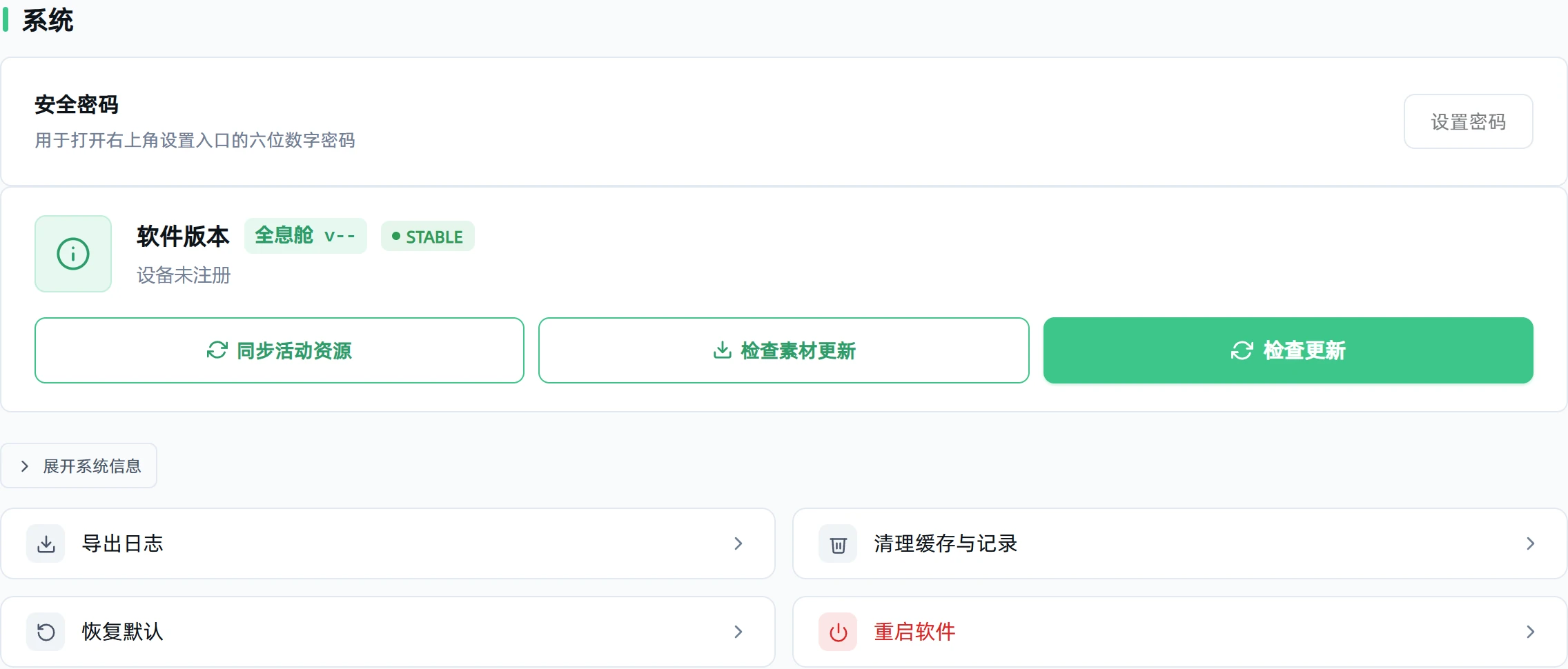
Sign in with the account from your admin, activate the booth licence and give the admin the device code.
- Set up content
In the PepeFoto platform, the admin picks layouts, adds character clips, backgrounds and frames, and assigns them to this booth.
- Sync the event
When the booth is back on the home screen and free, sync the event resources and run one test round.
- Test the hardware
Test only the camera or webcam you use; if you print, test the printer too, which uses paper.
- Set the flow
Set the countdown, the idle time before returning home and the interface language, and switch on express flow when it gets busy.
- Guests play
Guests pick a character, pose and confirm, then scan or print once the AI photo is ready; the booth returns home for the next guest.
What you need
| Software and licence | The booth software and licence; your admin provides the platform account and assigns events to the booth by device code. | Included |
|---|---|---|
| The booth | The booth hardware is not in the licence and is quoted per project. | Not included |
| Camera or webcam | Either works; set up only the one you use. | Not included |
| Printer (if printing) | Only needed for prints on the spot, with the driver, paper and consumables installed; skip it for QR-only delivery. | Not included |
| Internet | AI photos and online QR codes need an internet connection. | Not included |
| Character content | One set per character: character clip, background and frame. Custom characters are quoted per project. | Not included |
| Screen artwork | Five screens each for landscape and portrait on a 2160×3840 canvas; the help centre has official samples and a design guide. | Not included |
| AI credits | Each AI photo uses credits, at the rate on the credits page. | Not included |
What guests get
An AI photo with the character
The guest and their chosen character in one picture, composed by AI in that set's layout.
A digital copy by QR
Once the photo and a working QR code appear, guests scan to save it.
A print on the spot
Choose copies and print, then wait for the paper; the booth can also be set to QR only.
A fallback if AI fails
With the failure option on, a failed or timed-out photo offers a retry or carrying on with the original.
Every feature
- Sync activity resources and configure devices
- Test cameras, webcams and printers
- Character choice, walk-on clip, capture, AI generation, and delivery by QR or print
- Configure automatic capture and streamlined workflows
Guides and questions
Help-centre guides
Common questions
Want a holographic booth at your event?
Tell us the date, the footfall and the characters you have in mind — we will come back with a plan and a quote for the booth, the content and on-site operation. Our Guangzhou showroom is open for visits.