

How do you make photo booth stickers at an event?
- Published
- Updated
Short answer
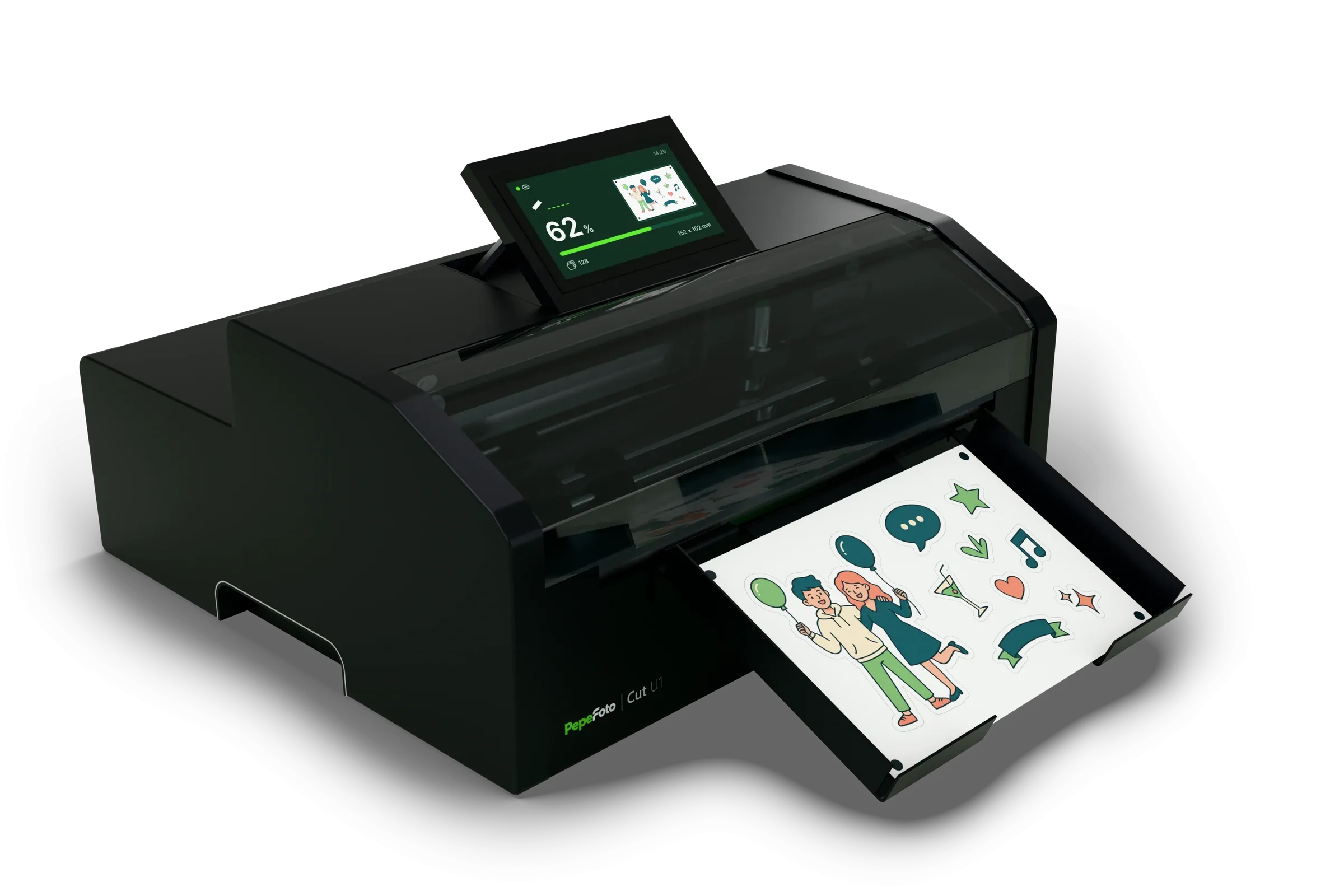
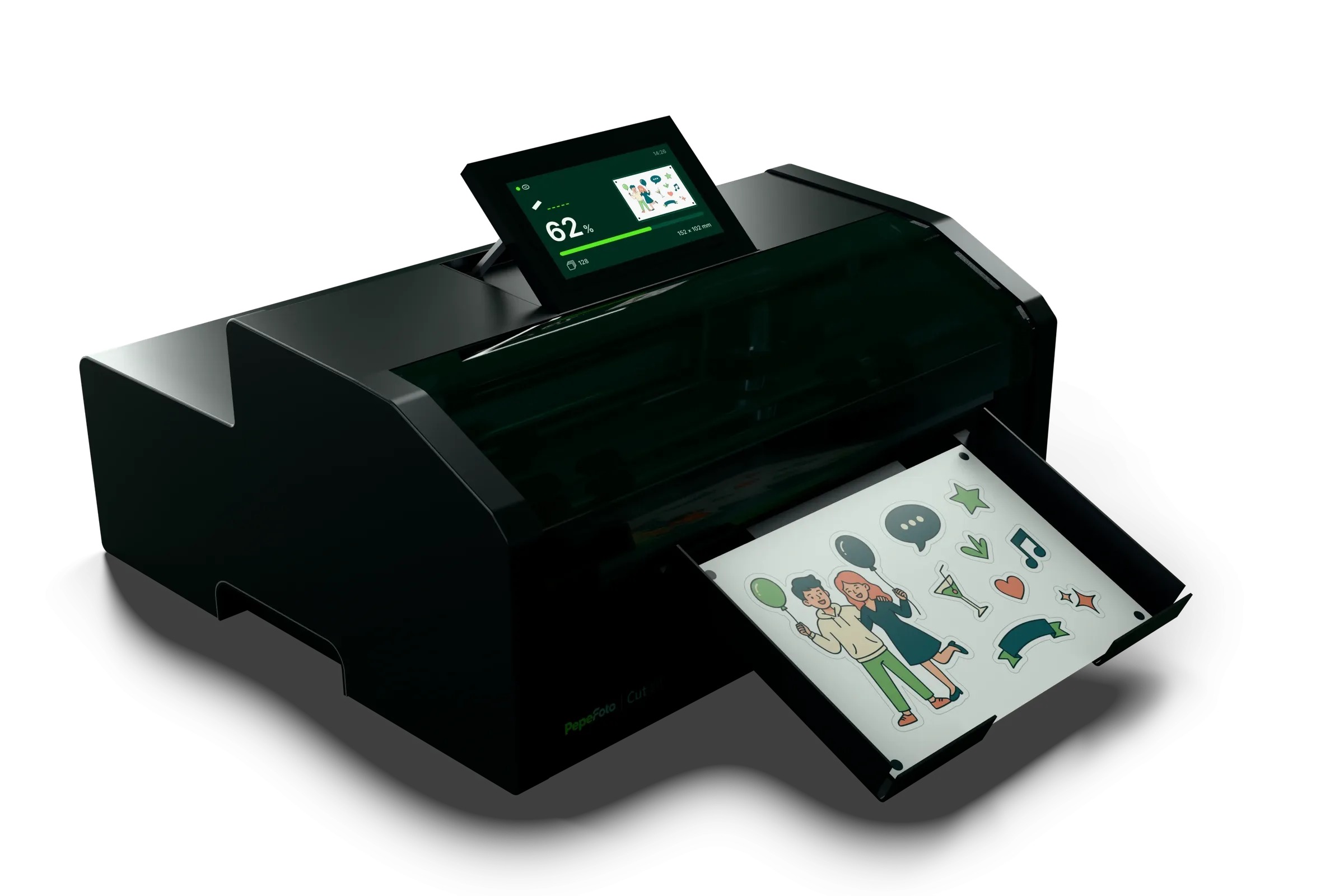
Load a dye-sublimation printer with sticker photo paper and line up its output with the PepeCut inlet. The cutter takes each print and cuts the sticker outline while leaving the backing intact. The standard paper format is 4 × 6 in in landscape orientation, and the maximum is 6 × 8 in.
Key takeaways
- Match the riser to your printer’s output height.
- Choose sticker photo paper made for your printer model.
- In Photo Booth mode, select PepeCut as the printer in your booth software.
Which riser fits your printer?
Measure the height of the printer’s output slot above the surface it sits on. PepeCut’s printer fit guide shows the two riser setups.
| Printer class | Output height | Riser setup |
|---|---|---|
| DNP DS620 class | About 138 mm (5.4 in) | A, 65 mm (2.6 in) |
| DNP DS-RX1 class | About 200 mm (7.9 in) | B under A, 125 mm (4.9 in) total |
Align the printer output with the cutter inlet so the paper feeds straight through. Use an adjustment shim for small height differences. The risers are available separately.
Which sticker photo paper do you need?
DNP offers sticker photo paper for the DS620. Citizen offers it for the CX-02S. For a DS-RX1 or another model, confirm which sticker paper it takes before ordering.
The standard print is 4 × 6 in in landscape orientation. The maximum paper size is 6 × 8 in. See PepeCut’s paper and cutting specs.
How does your booth send a sticker job?
- Load the printer with sticker photo paper made for that model.
- Set the cutter to Photo Booth mode, then select it as the printer in your booth software.
- Send the print. The cutter takes the sheet from the output slot and aligns it. It kiss-cuts the sticker outline, leaving the backing intact so guests can peel the sticker off.
Frequently asked questions
Does the standard set include a riser?
No. Order the risers separately. Riser A is 65 mm high, and risers B and A together are 125 mm high.
Which printers can I use?
The DNP DS620 and DNP DS-RX1 are examples of compatible dye-sublimation printers. Choose the riser by output slot height and check which sticker paper your printer takes.
Do I need to change my photo booth software?
In Photo Booth mode, your booth sees PepeCut as a printer. Select it in the print menu of your existing photo booth software.
What size sticker photo paper can I use?
The standard format is a landscape 4 × 6 in sheet. The maximum paper size is 6 × 8 in.
Why does the sticker peel off after cutting?
The cutter kiss-cuts along the sticker outline, leaving the backing intact.
Related products
Related articles
- What should I ask when buying event photo equipment direct from the manufacturer?Find out who develops and supports the equipment, what OEM or white-label customization covers, and how to book a showroom visit.
- What is a mirror signature photo booth, and how does it work?Guests sign a real mirror, take home a marked print and scan its code to replay the signing. See which printers fit inside PepeMirror.
- How do you make lenticular photo cards at a live event?Make flip-image cards in 5 × 5, 8 × 8 or 10 × 10 cm with the PepeBooth option. See the equipment and the 3–5 minute guest wait.