

PepeCloud · The cloud console
Every machine runs on PepeCloud.
Guest photos, AI effects, and AR playback all run on PepeCloud, PepeFoto's cloud console for managing events and devices.
01 · AI
One photo. Many ways to see it.
Styles, cutouts, retouching, line art and sticker outlines are all made in the cloud. Pick one to see what it does to a photo.
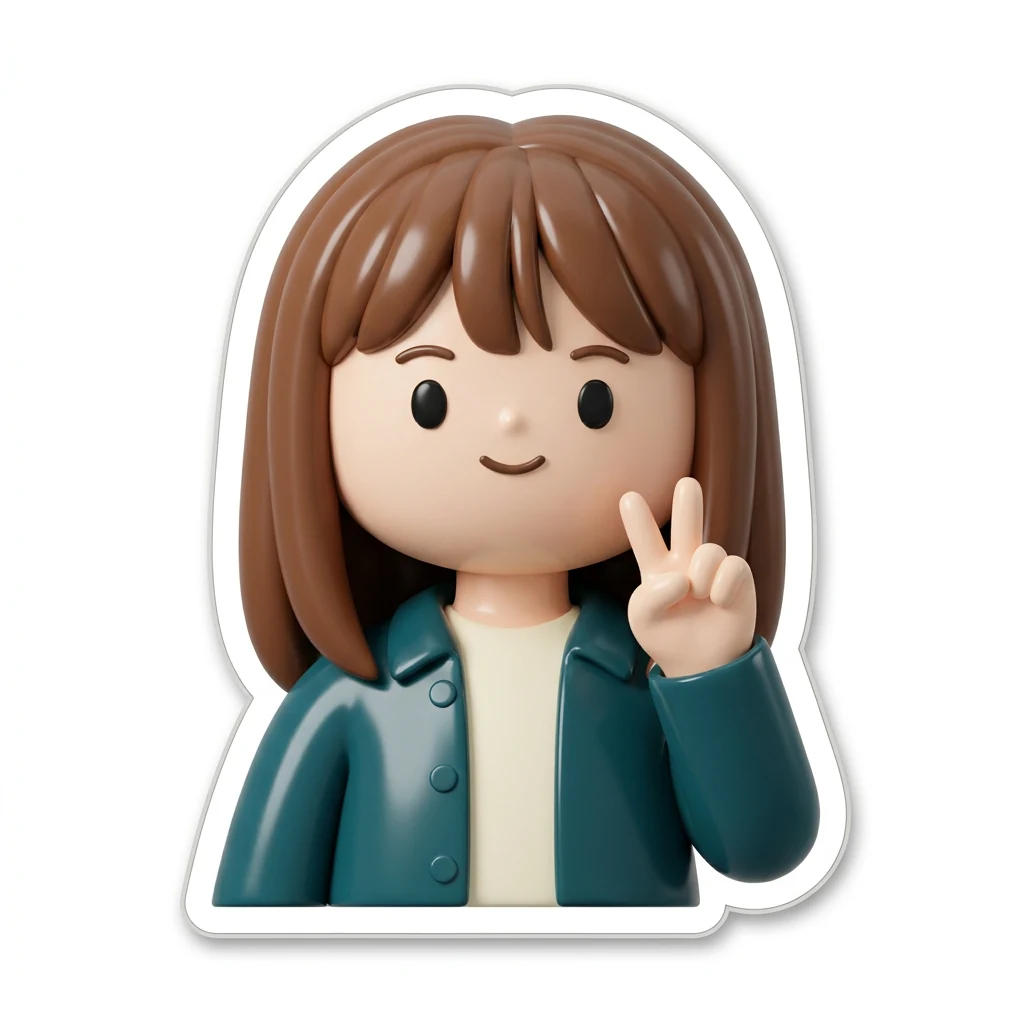
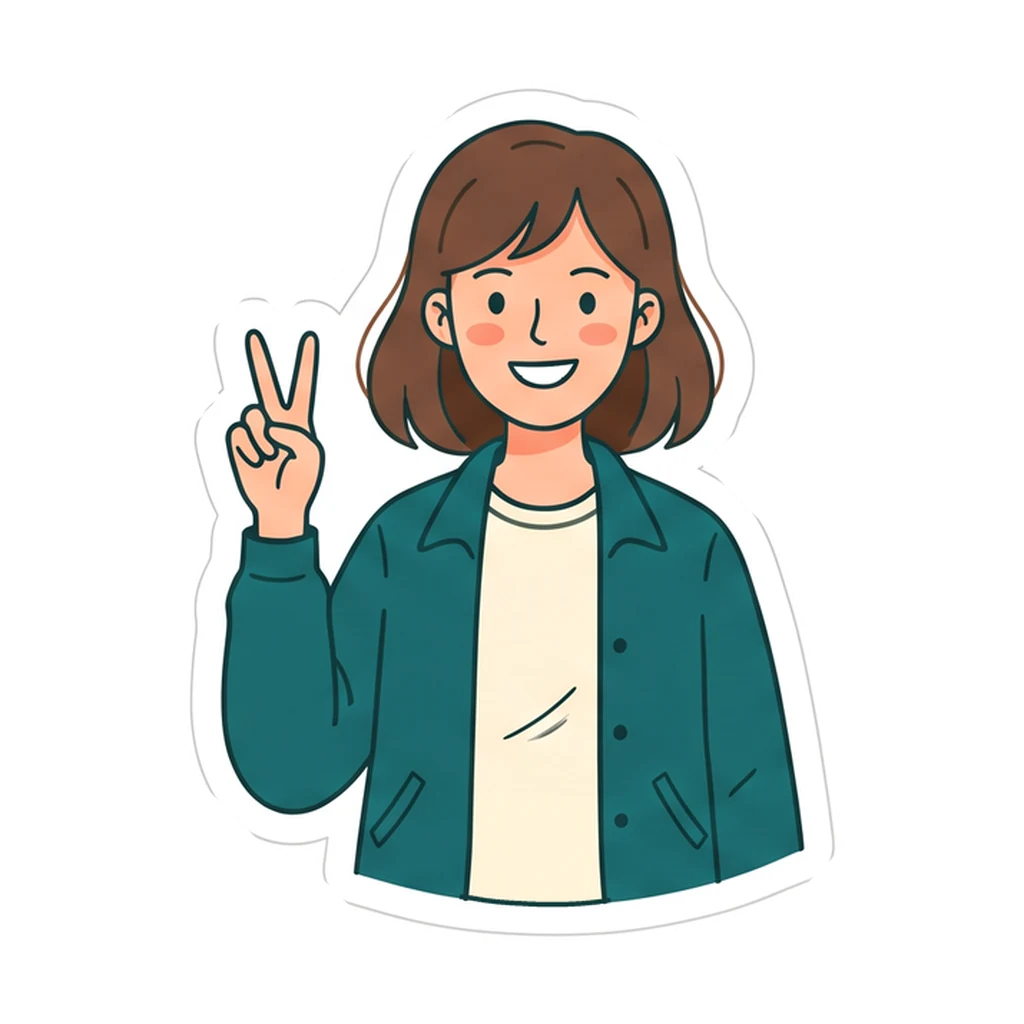

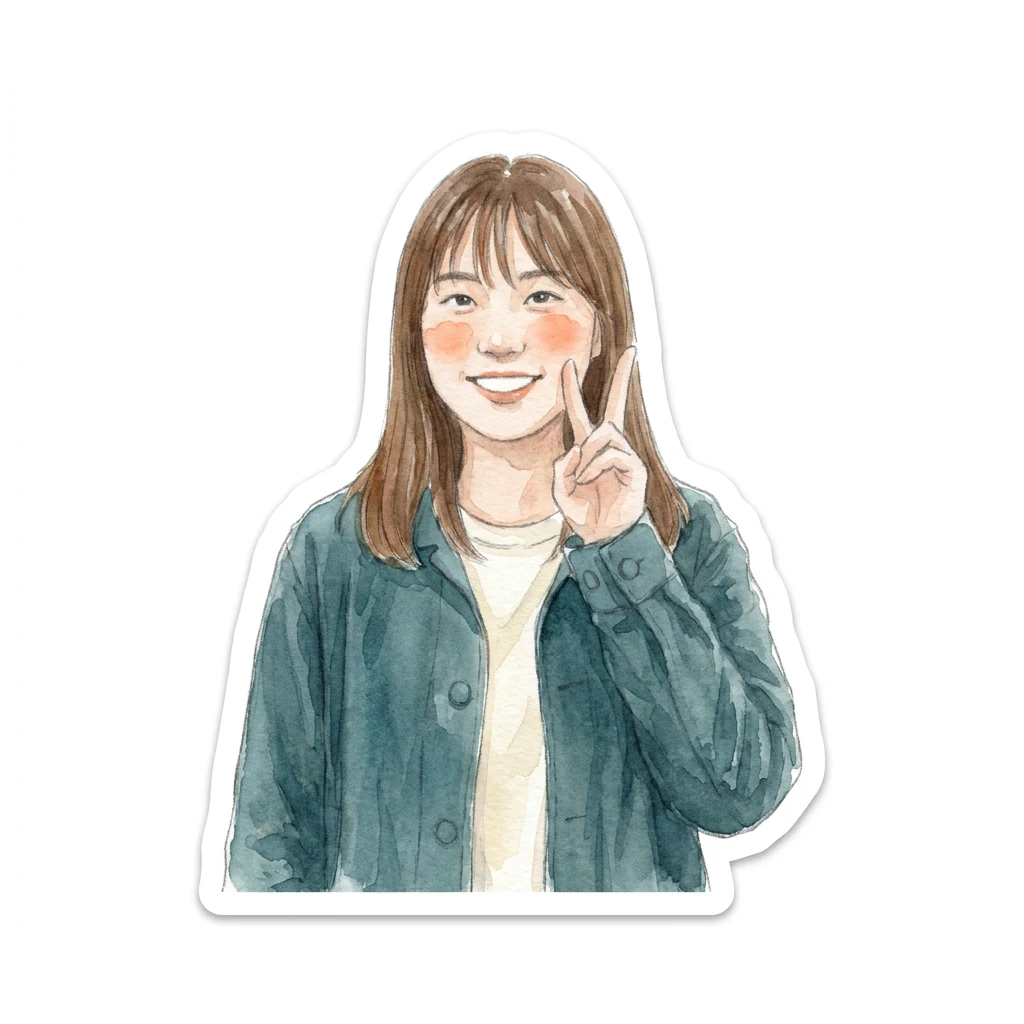
- for most styles
- 30–40 s
- recommended per AI photo
- 1–4 people
- See the credit cost before you generate. Failed runs are not charged.
- Credit cost
Need a style of your own? We train brand models per project: cyber portraits for Carlsberg, hairstyle try-ons for Schwarzkopf, business attire and digital art for Schneider Electric.
02 · AR
Scan the print. The moment plays again.
The photo prints on the spot. Guests scan it with a phone and a video plays right on the photo, with no app to install. They can save it afterwards.
- Guests scan the print with their phone
- No app
- to turn a signature clip into AR
- ≈ 20 s
- recommended clip length; the cloud compresses it
- 5–10 s
03 · Run it
Manage devices and events.
Create an event, attach the machines and a template, and each machine pulls its setup. Save a change and it takes effect the next time the machine reads it.
| Device | Status | Setup |
|---|---|---|
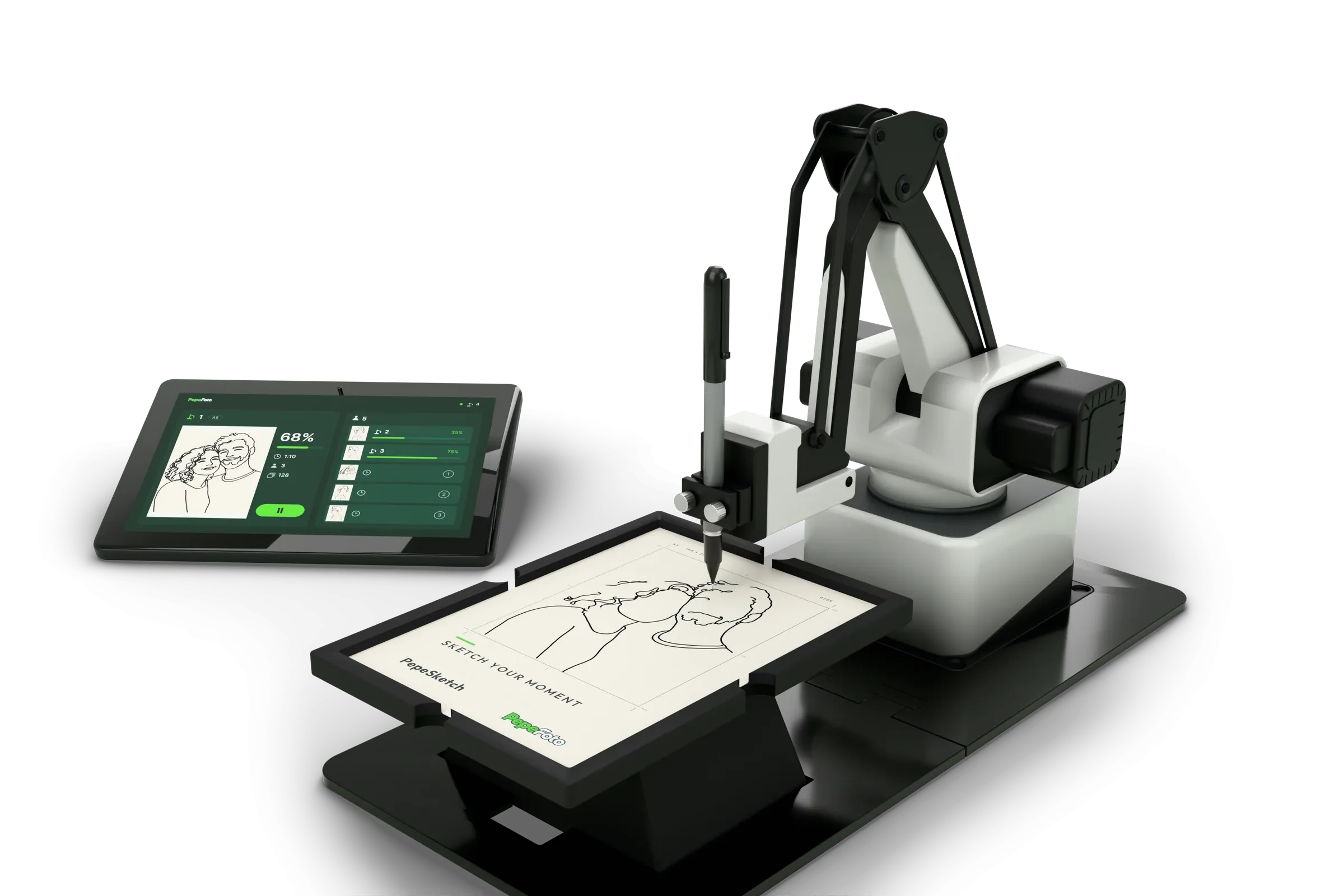
| PepeSketchAI sketch robot arm | Online | Current |
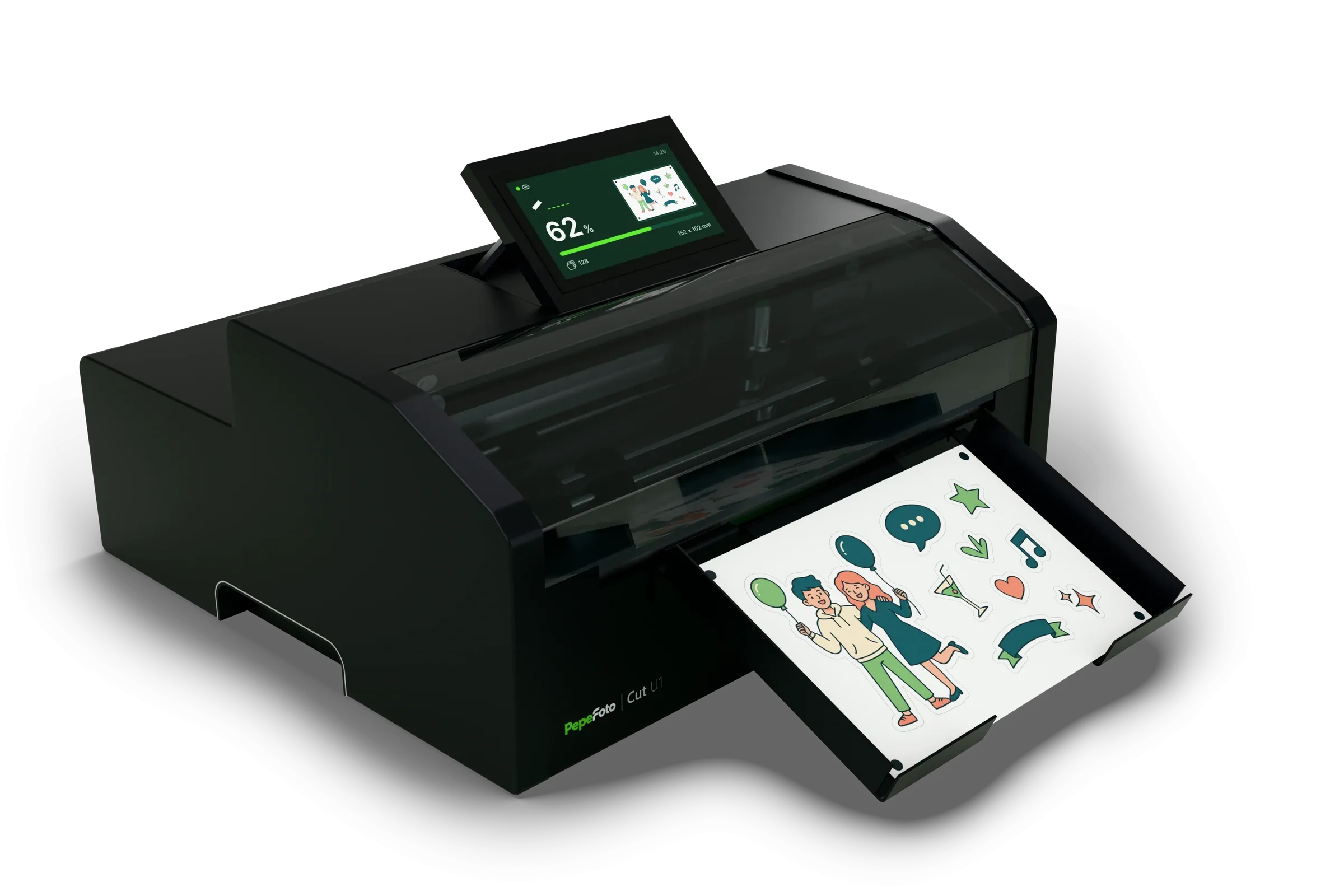
| PepeCutSmart sticker cutter | Working | Current |
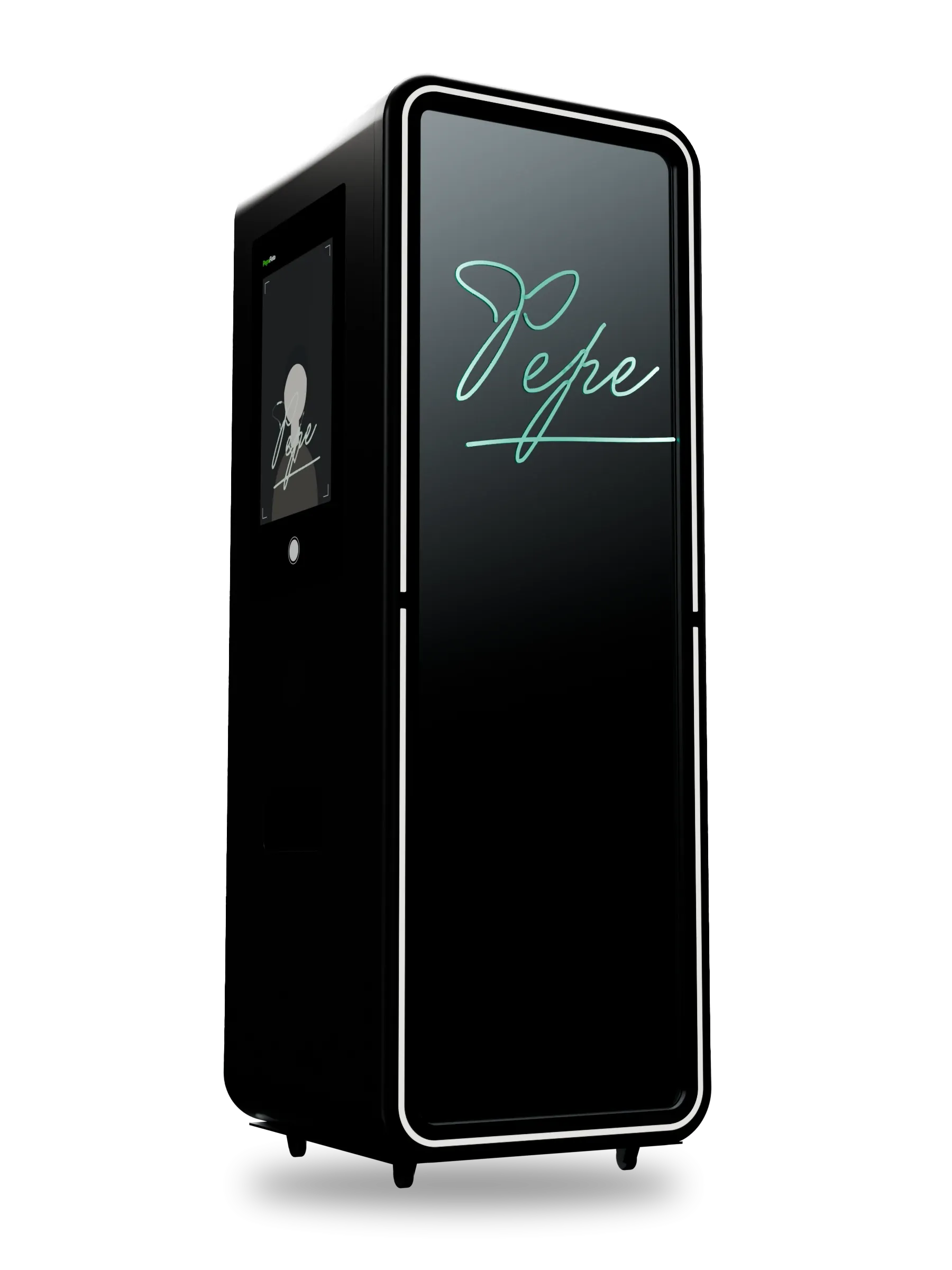
| PepeMirrorMirror signature photo booth | Working | Current |
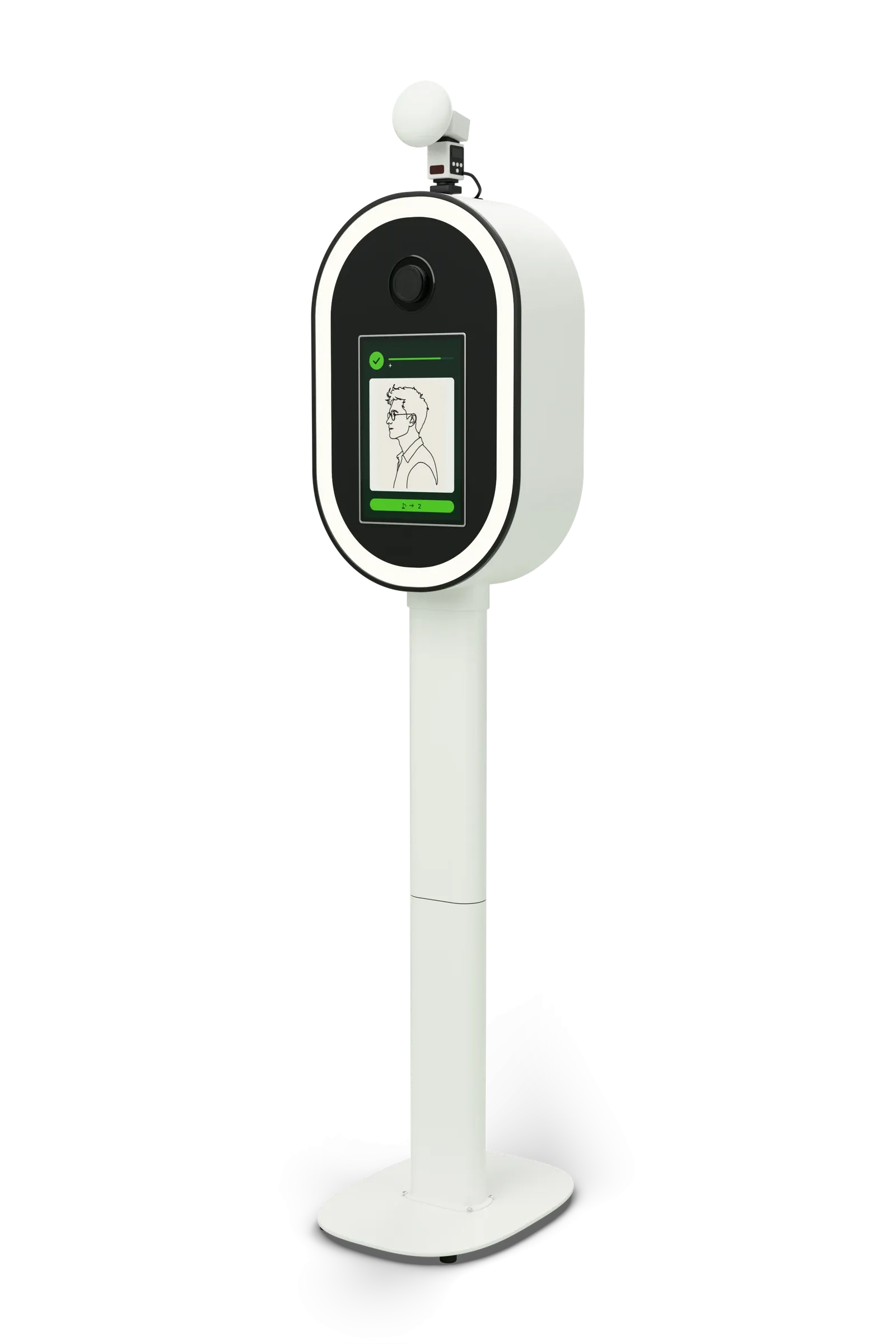
| PepeBoothPortable photo booth | Idle | Current |
Latest photos
-
Devices
Live status, system metrics and logs; quick commands, and AI results sent straight to a machine. Offline units keep their last report.
-
Layouts & screens
One layout editor for photo, sketch and sticker layouts. Machine screens and guest phone pages are edited by drag and drop.
-
Guest photo pages
A scan opens a result page in your brand: long-press to save, and shared links carry a preview card. The album keeps originals and AI results apart and can play live on a big screen.
-
Team & credits
Organizations, members and roles (admin, finance, staff), on your own domain if you like. The credit balance sits in the top bar, with every entry logged.
-
Open API
Issue API keys to outside apps, each limited to chosen layouts, AI styles, a validity period and a credit cap. Bring your own result page too.
The console works on a phone too. Credits and cloud storage can be bought online by card and arrive as soon as you pay.
04 · Machine by machine
Features by device
| Machine | AI | AR | Guests | Console | API |
|---|---|---|---|---|---|
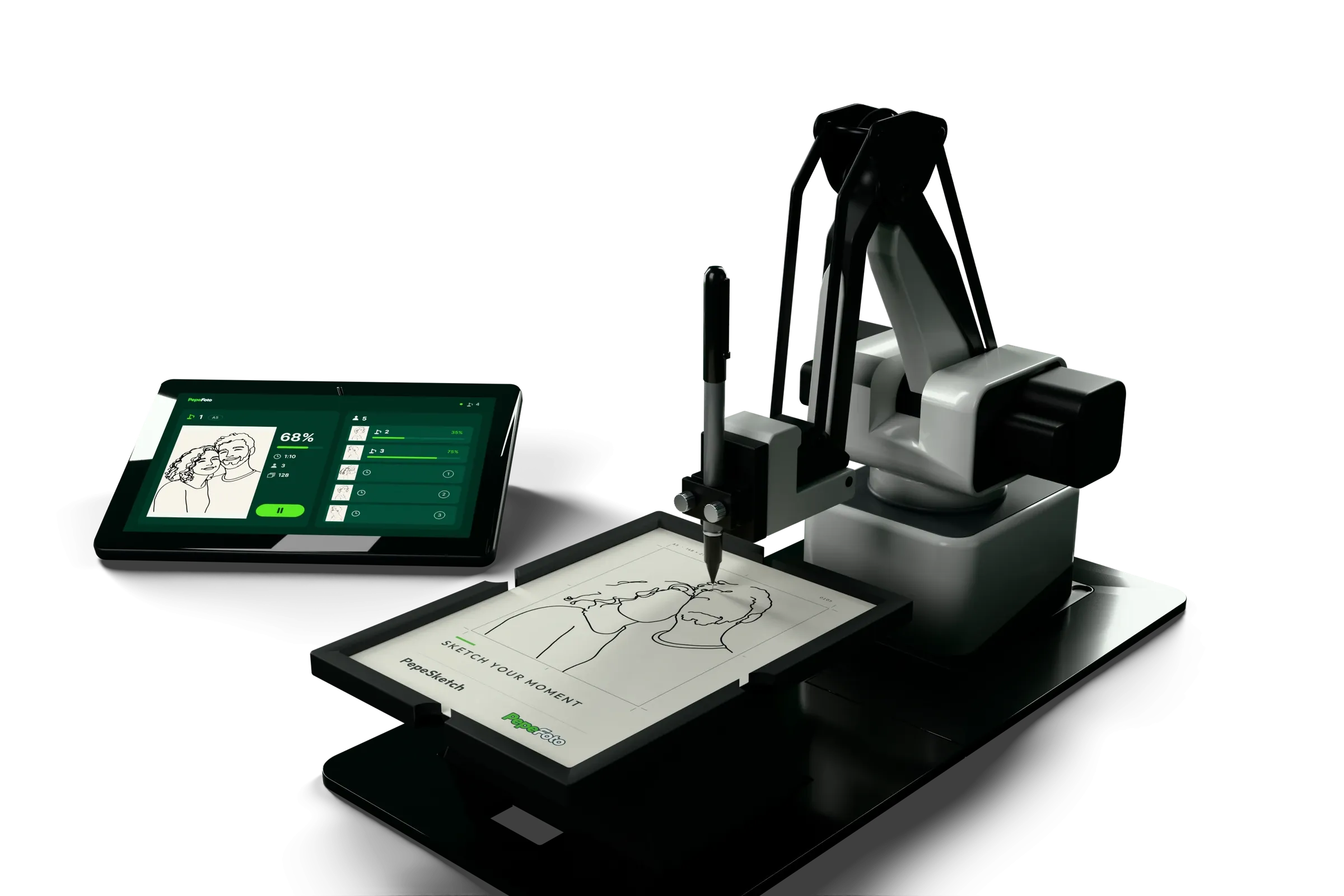 | AI line art, several styles | Not listed | Scan to pick a style, upload and follow the queue; pick up by SMS or email | Device detail and job monitoring | Standard API for photos |
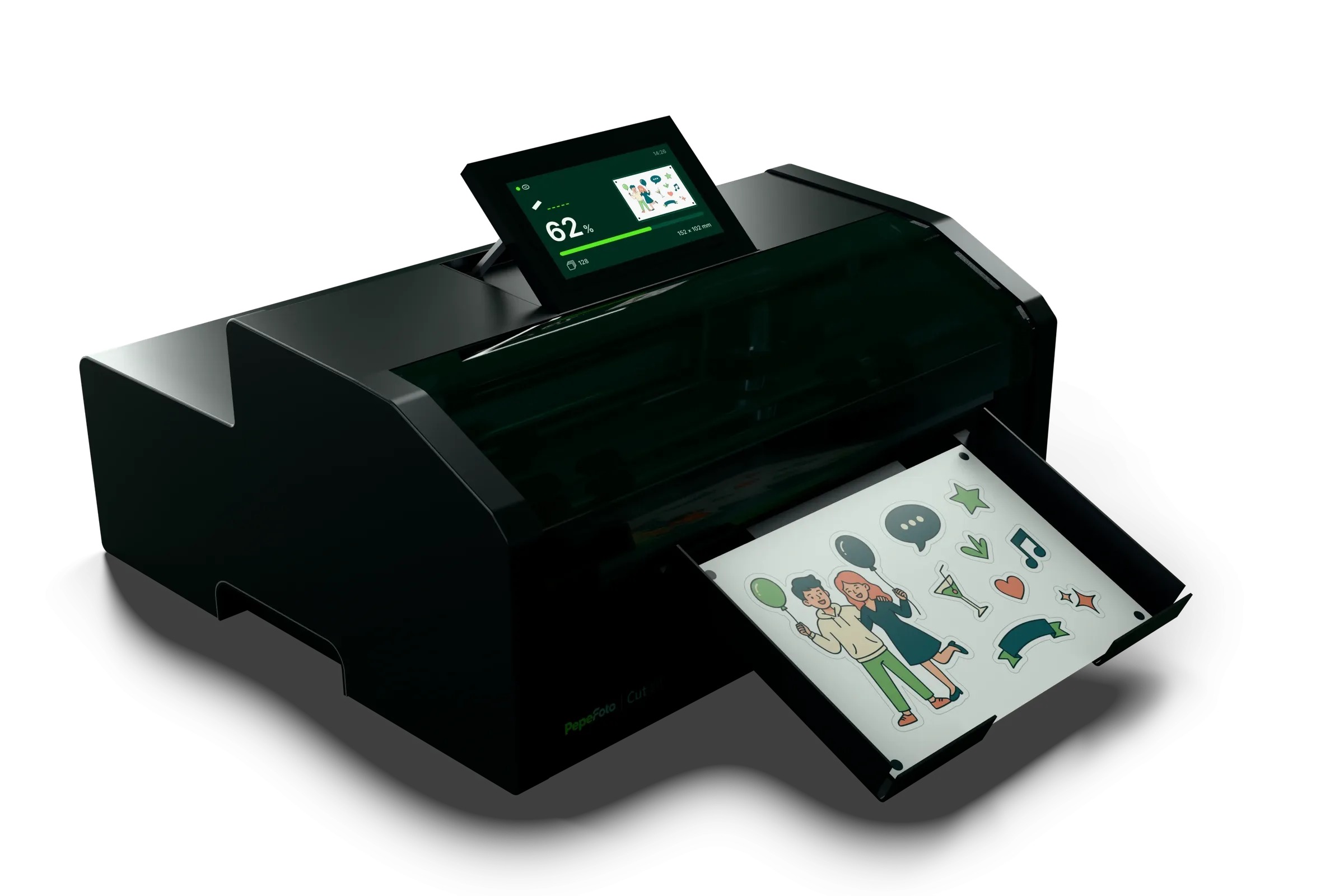 | Style templates, cutouts, sticker outlines | Not listed | Scan to upload, pay and pick an AI style | Screen editor; per-sheet, bundle and free-code pricing; orders and reconciliation | API mode for jobs |
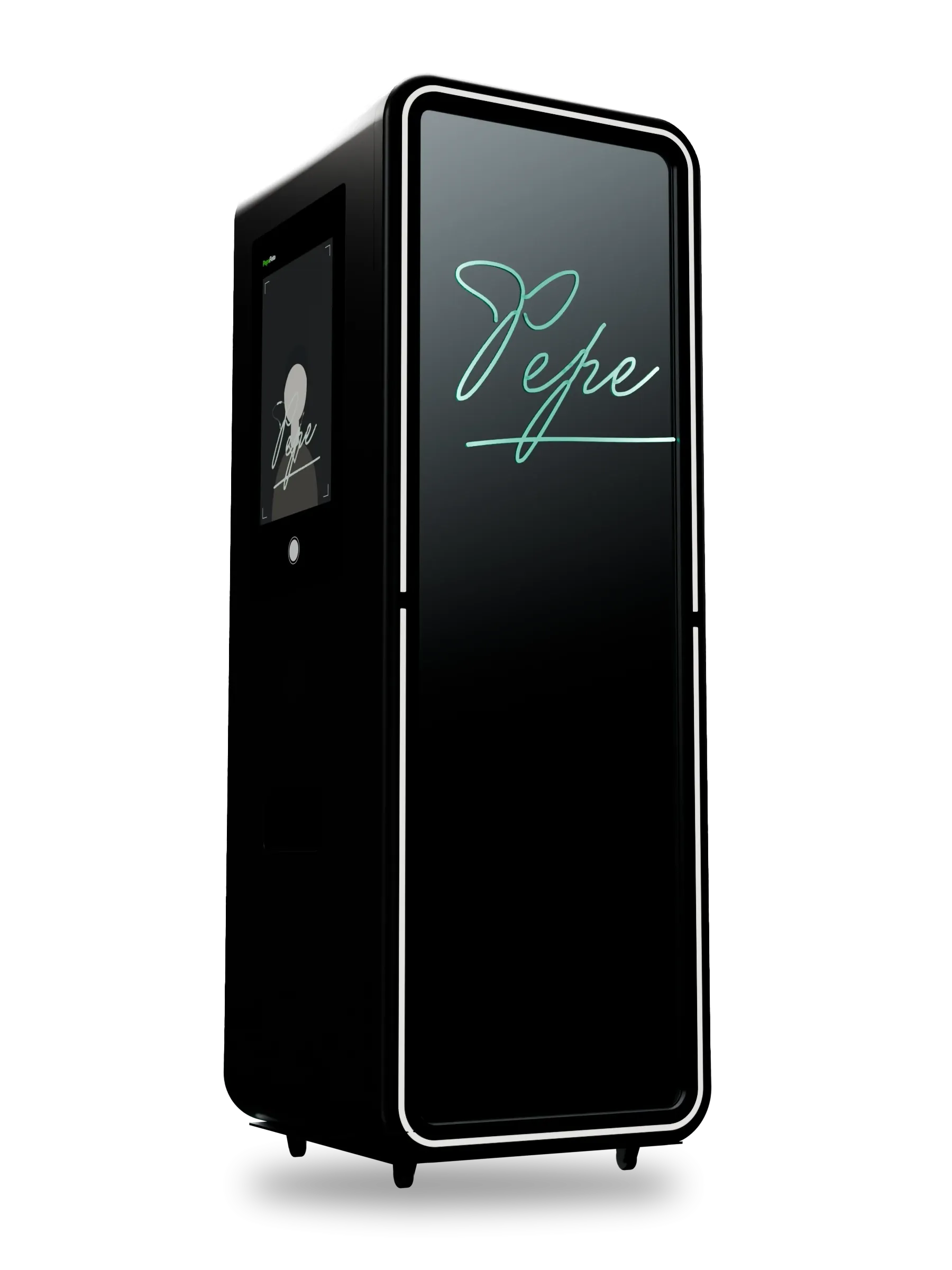 | Not listed | Signature clip replays on the print | Watch and download the clip from the album | Not listed | Not listed |
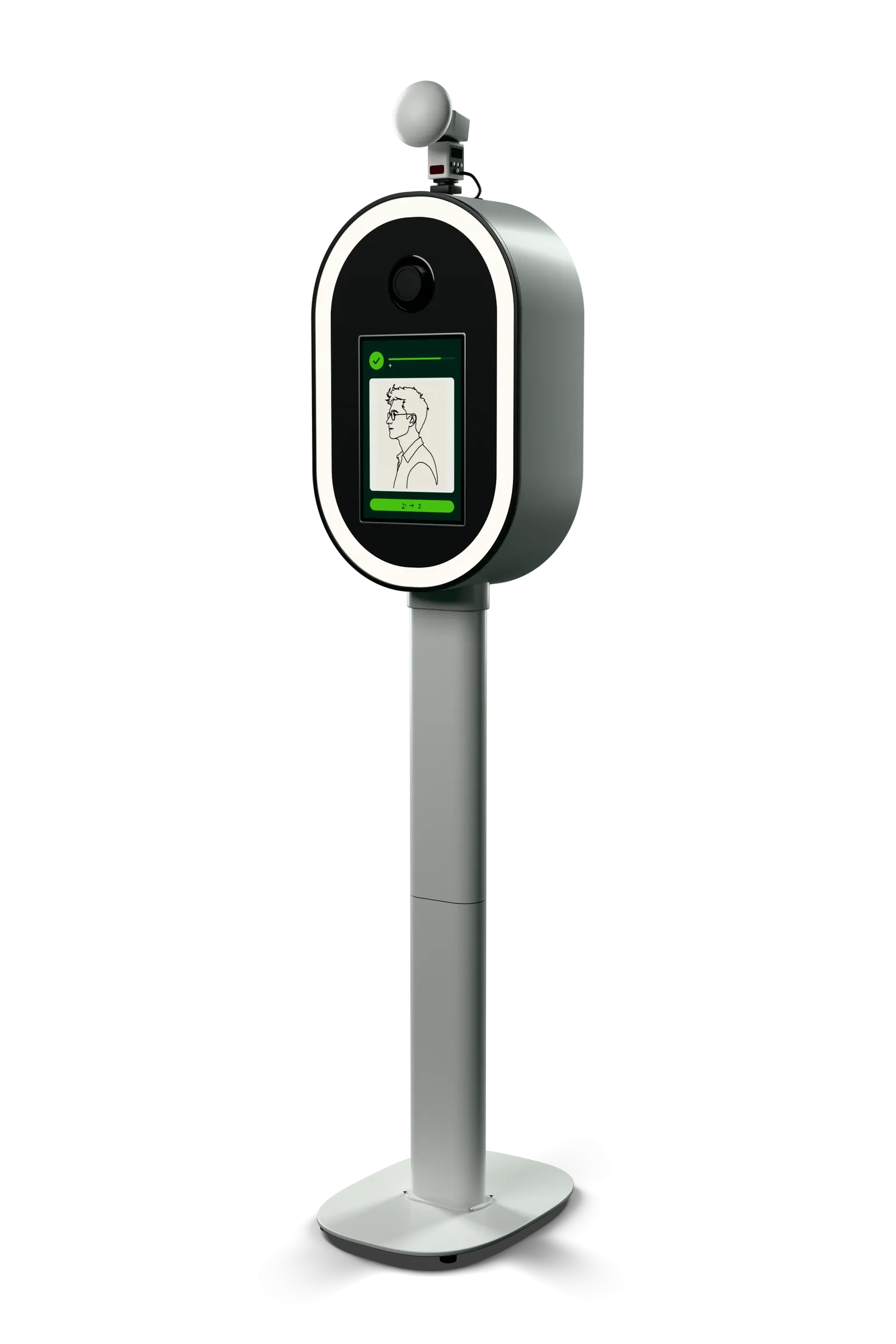 | Over 1,000 AI styles; an AI photo can become an AI video | Holographic AR photos; scan the print to play Live Photos and AI videos | Scan to collect digital copies; guests are notified when an AI video is ready | Remote device management from the cloud console | Not listed |
05 · FAQ
Questions
How does PepeCloud relate to platform.pepefoto.com?
Sign in to PepeCloud at platform.pepefoto.com and select your region.
Do guests need an app to see the AR?
No. Guests scan the print with their phone and the moment plays right on the photo. There is nothing to install.
Does the machine need to be online?
Yes. AI runs in the cloud, so the machine must be online, and speed depends on the network and photo resolution. Guests also need a connection to play the AR and collect photos.
How long does an AI photo take?
Most styles take 30 to 40 seconds a photo, and very high-resolution photos take longer. For the clearest faces, use photos with one to four people.
How are credits used?
AI generation uses credits per run. Credits are charged when an AR experience is created. Guests can replay that print without a new generation charge. Each style shows the same cost in the style library, in layouts and in the API settings, and failed runs are not charged. The balance sits in the console top bar with every entry logged, and credits can be topped up online.
What if a lot of guests scan at once?
AR recognition and video delivery run in the cloud and are tuned for many scans at once. Several hundred guests scanning within a short window is well within range.
Can we have our own brand style and AR content?
Yes, as a custom project quoted on its own. We can train an AI style for your brand, and build your mascot, a 3D model of your product or an animation into the AR so it plays when guests scan the print.